
Background removal for Windows
Open a photo and AI removes the background
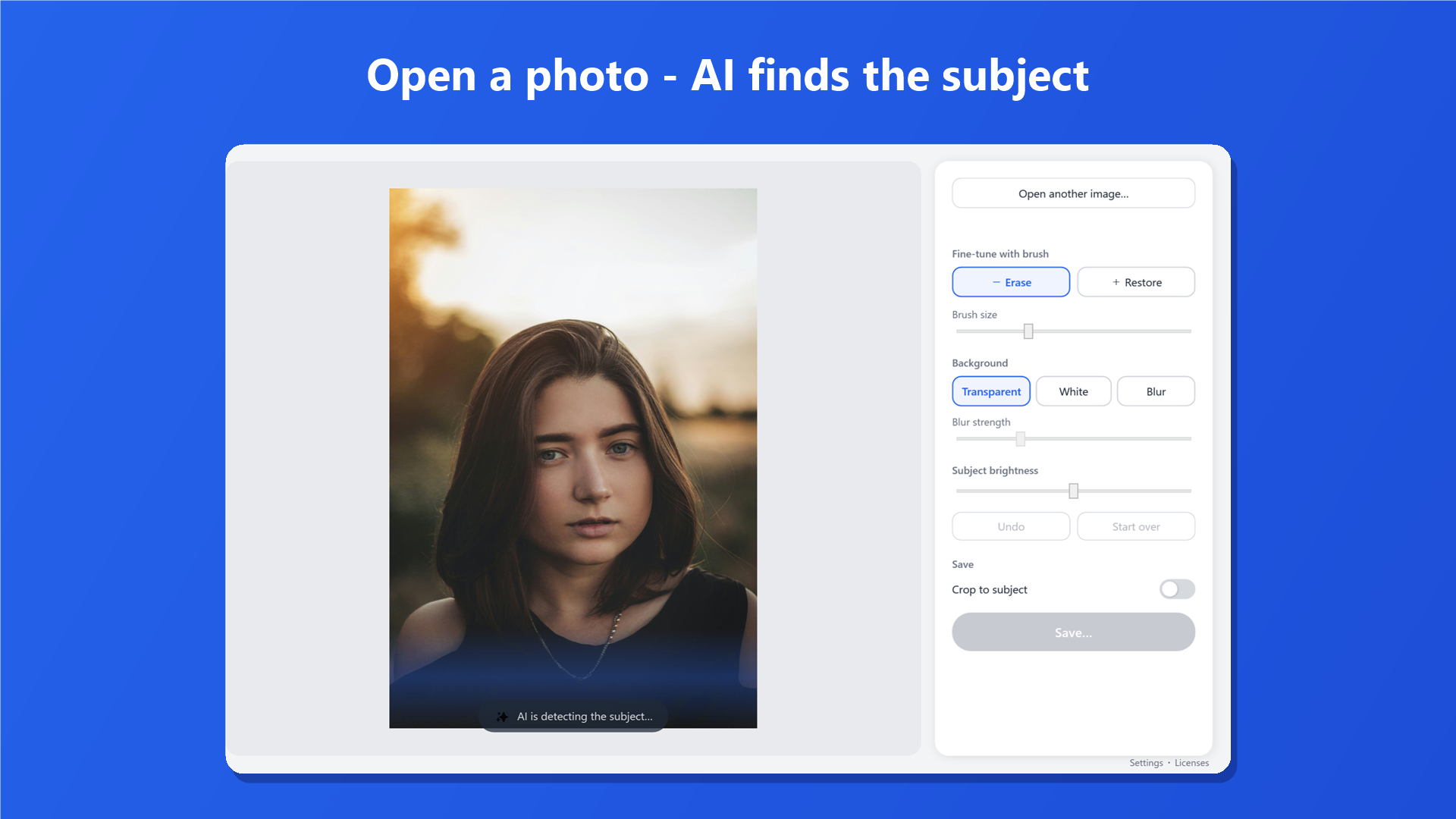
Sukeru finds the subject for you, so there is nothing to outline or select.
It runs entirely on your PC, so your photos are never uploaded, and it works without a GPU.
Free to try. No credit card required.
How it works
Three steps
No outlining, no selecting.
-
01
Open
Drag a photo into the window. iPhone HEIC photos open too.
-
02
AI cuts it out
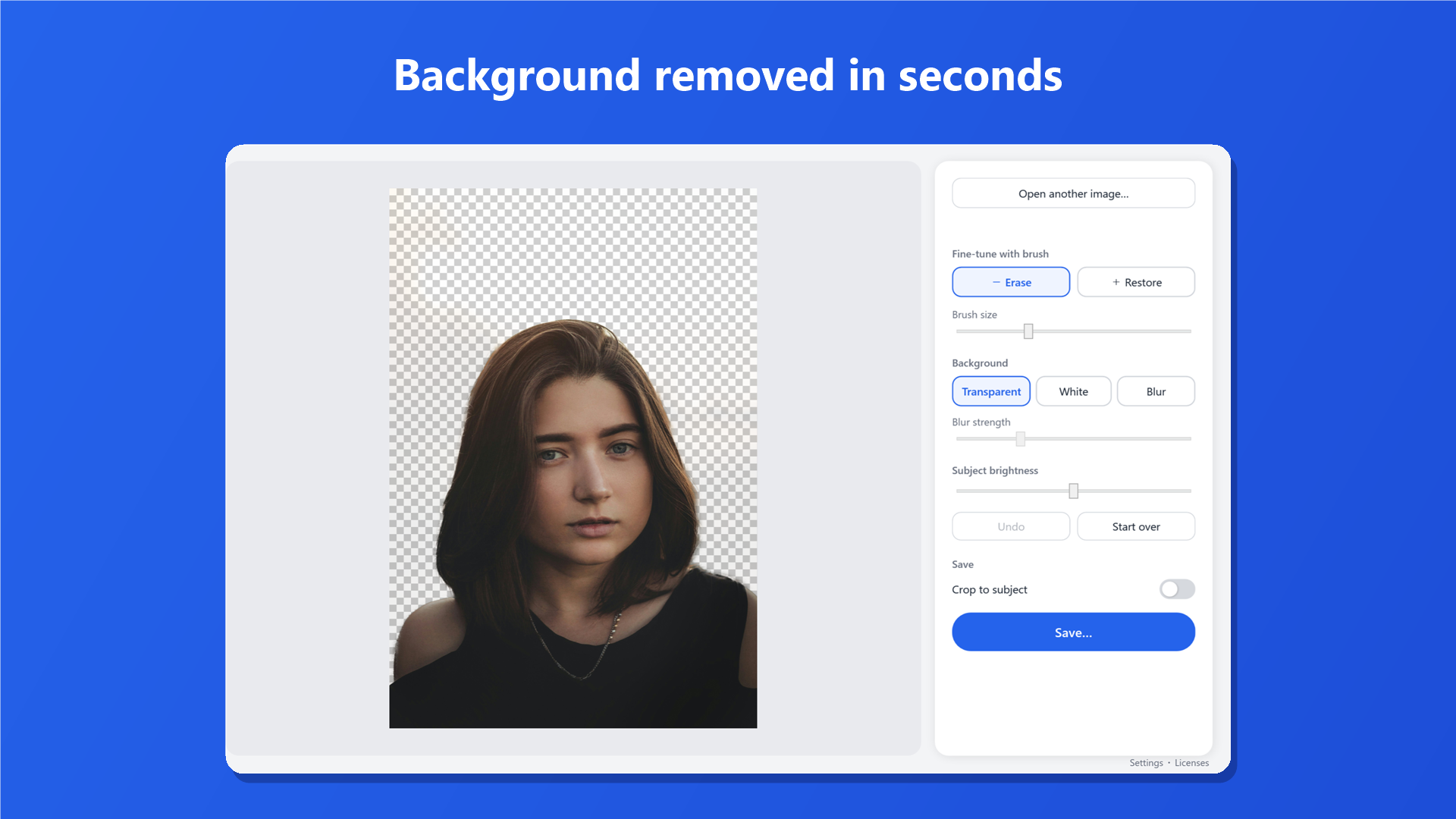
AI finds the subject and removes the background. Brush over any spots you want to fix.
-
03
Save
Choose a transparent, white, or blurred background, then save.
Features
Features
Everything stays on your PC
All processing, including the AI, happens on your PC. Product shots and family photos are never sent to a server, and the app works offline. If you have a supported GPU, Sukeru uses it automatically to work faster.
Automatic cutout
When you open a photo, AI finds the subject and removes the background. You don't need to select or click anything.
Touch up with a brush
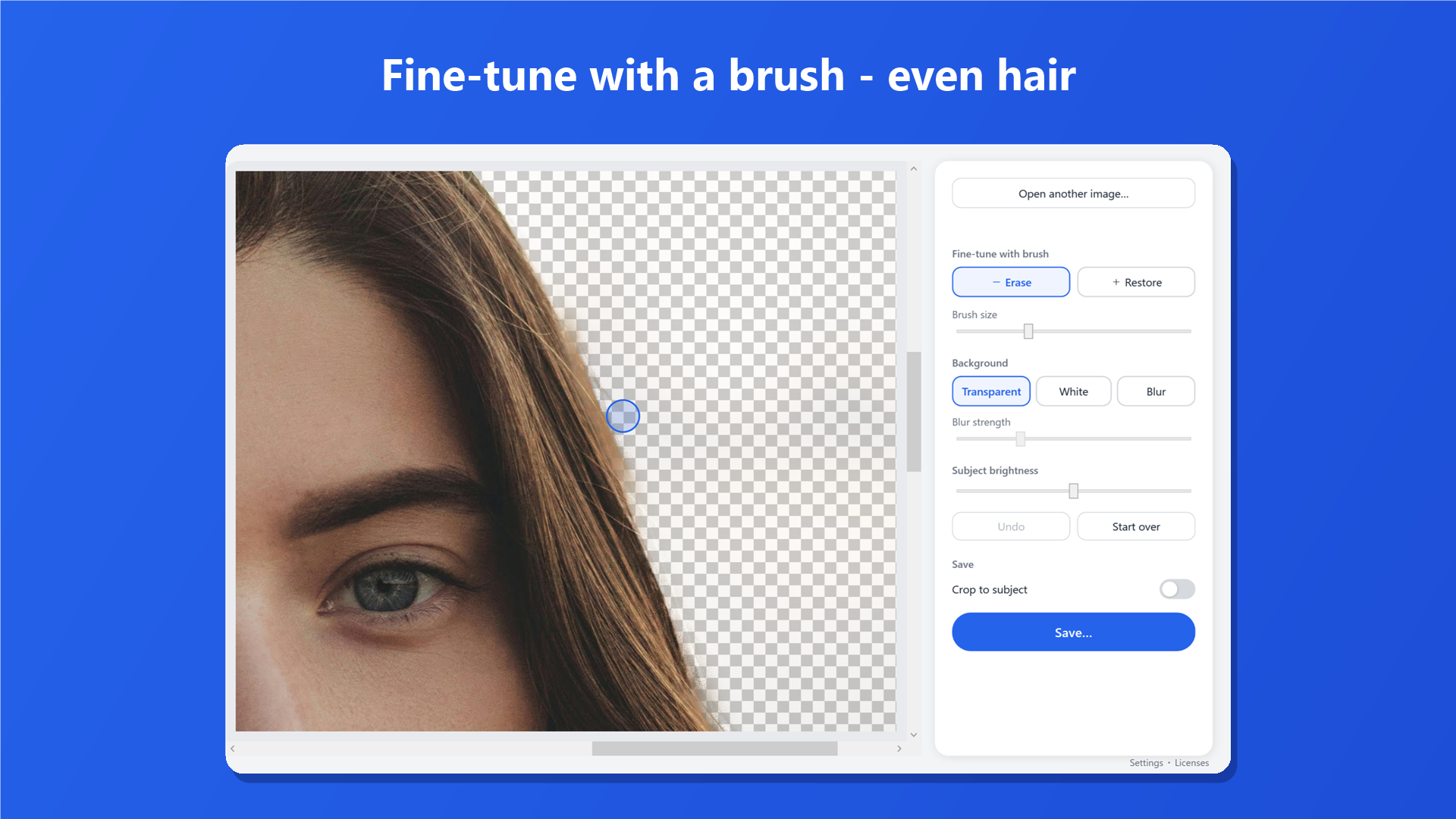
Paint with Restore to bring back areas that were removed, and with Erase to clear what was left behind. You can work into fine detail such as hair.
Also included
- Transparent PNG, white, or blurred background, with live preview
- Subject brightness adjustment
- Automatic crop to the subject
- HEIC support and EXIF auto-rotation
Pricing
One-time purchase, no subscription
Pay once for Pro and keep it. There is no subscription. Try the free version first and judge the results yourself.
-
Free
For checking results
Free
- Unlimited cutout, editing, and preview
- Saves downscaled to 1,500px on the long edge
-
Recommended
Pro (one-time)
Pay once
$5.99
- Unlimited cutout, editing, and preview
- Saves at the original resolution
- No subscription, no expiry
System Requirements
- Windows 10 (1809) or later, 64-bit
- 8 GB RAM or more recommended (PCs with enough memory use a higher-accuracy AI model automatically)
- No GPU required (a supported GPU is used automatically to speed things up)
FAQ
Frequently Asked Questions
Are my photos ever sent over the internet?
No. All image processing, including the AI, runs on your PC, and image data is never sent anywhere. The app works offline. To help improve it, the app sends only anonymous usage statistics, which never include your images.
What does the free version limit?
Only the save size: saved images are downscaled to 1,500px on the long edge. Cutout, editing, and preview are free and unlimited.
How many PCs can I use Pro on?
Pro works on any Windows device where you're signed in with the same Microsoft account. It is sold as a Microsoft Store in-app purchase.
Can I open iPhone photos (HEIC)?
Yes, as long as the Windows HEIF Image Extensions are installed. Photos taken in portrait orientation are rotated correctly.
What kinds of photos work best?
Photos with a clear subject, such as people, products, or pets. Illustrations work too.
Can I get a refund?
Refunds are handled under the Microsoft Store refund policy. We recommend checking the results with the free version before you buy.
Try it free
Try it on your own photos
Cutout and editing are unlimited in the free version.
When you need full-resolution saves, Pro is a one-time purchase.